
© 2026 InterSystems Corporation. All rights reserved.Privacy & TermsGuaranteeSection 508Contest Terms


prime-iris-portal 

Community Project
This project is maintained by its author and is not officially supported by InterSystems. For technical support, please contact the project developer.
This project is maintained by its author and is not officially supported by InterSystems. For technical support, please contact the project developer.
5
1 reviews
0
Awards
74
Views
0
IPM installs
 0
0 Add to bundle
Details
Releases (1)
Reviews (1)
Issues
Modern InterSystems Management Portal made with PrimeNG, Angular and TypeScript
What's new in this version
Initial Release
InterSystems IRIS Management Portal
Web portal for administering and operating InterSystems IRIS environments through the SysAdmin APIs at /api/admin/v2.
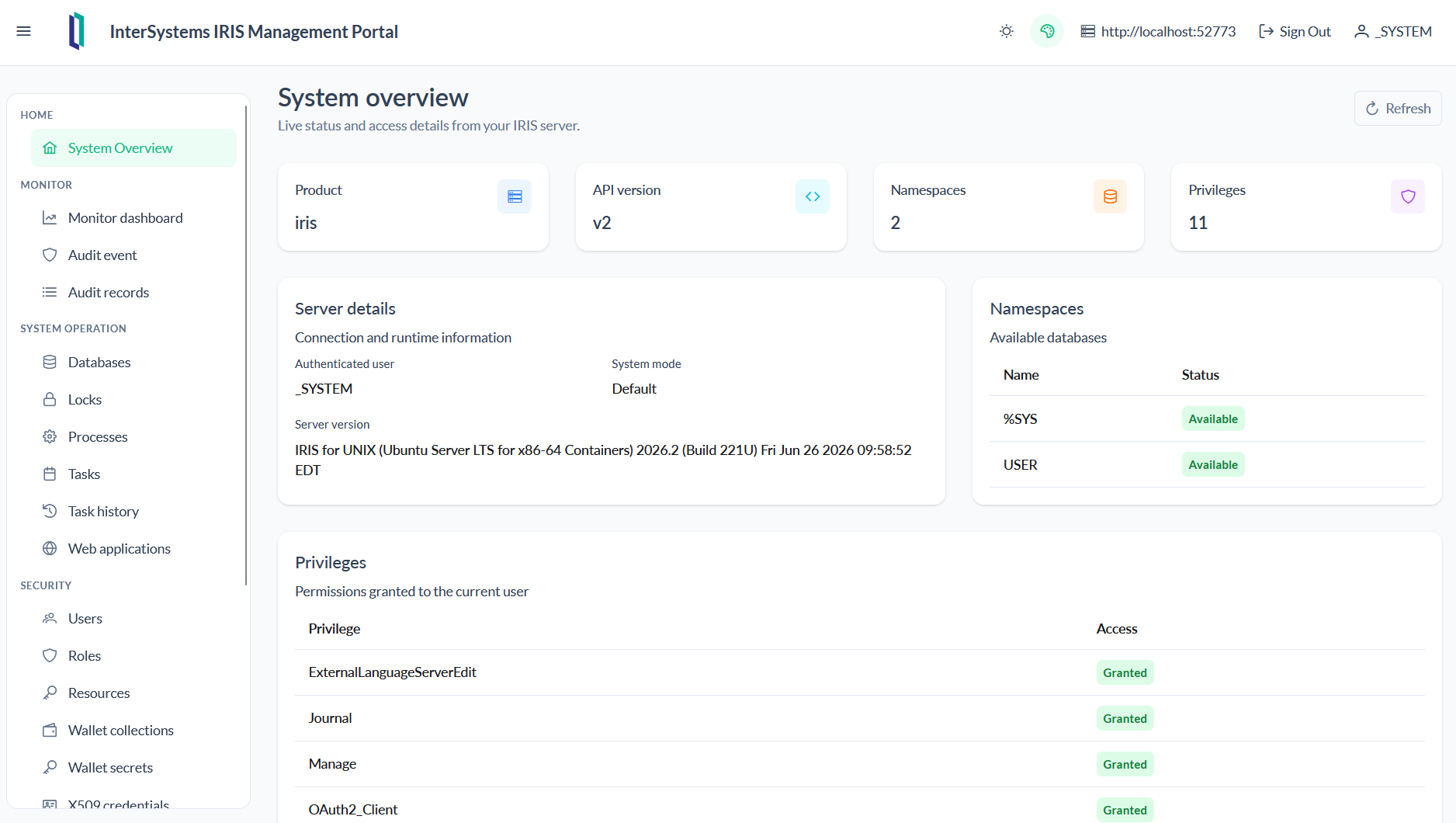
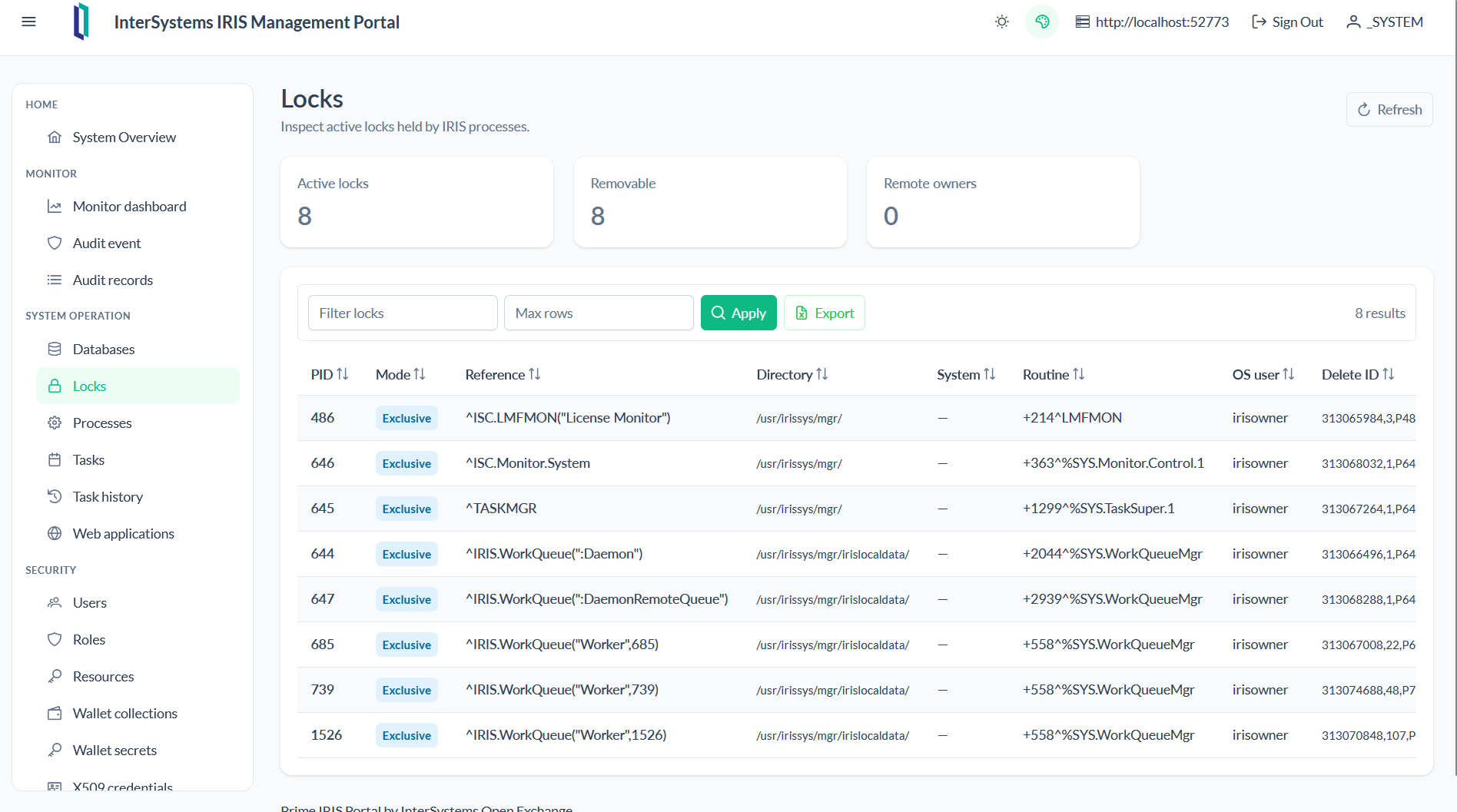
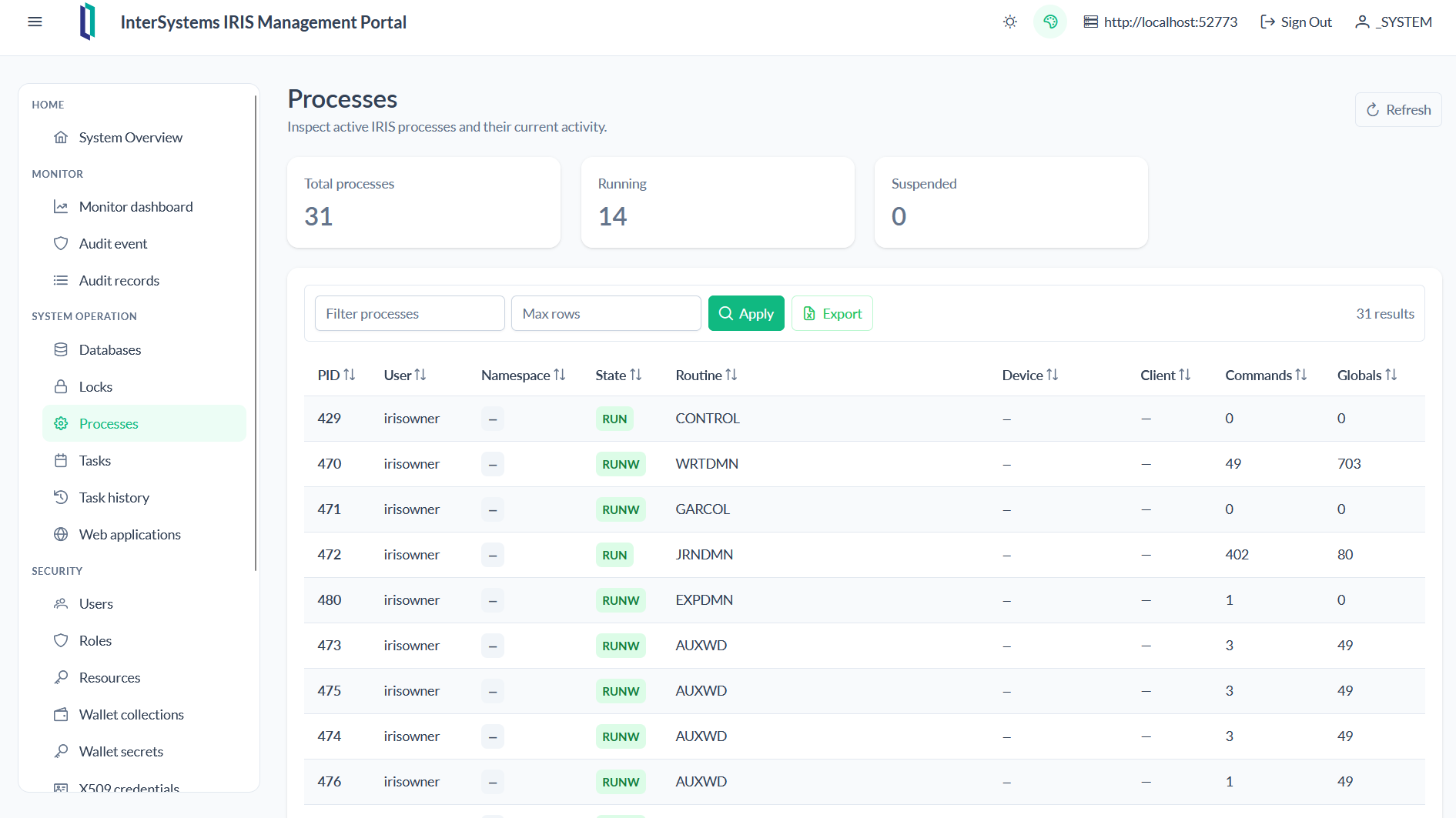
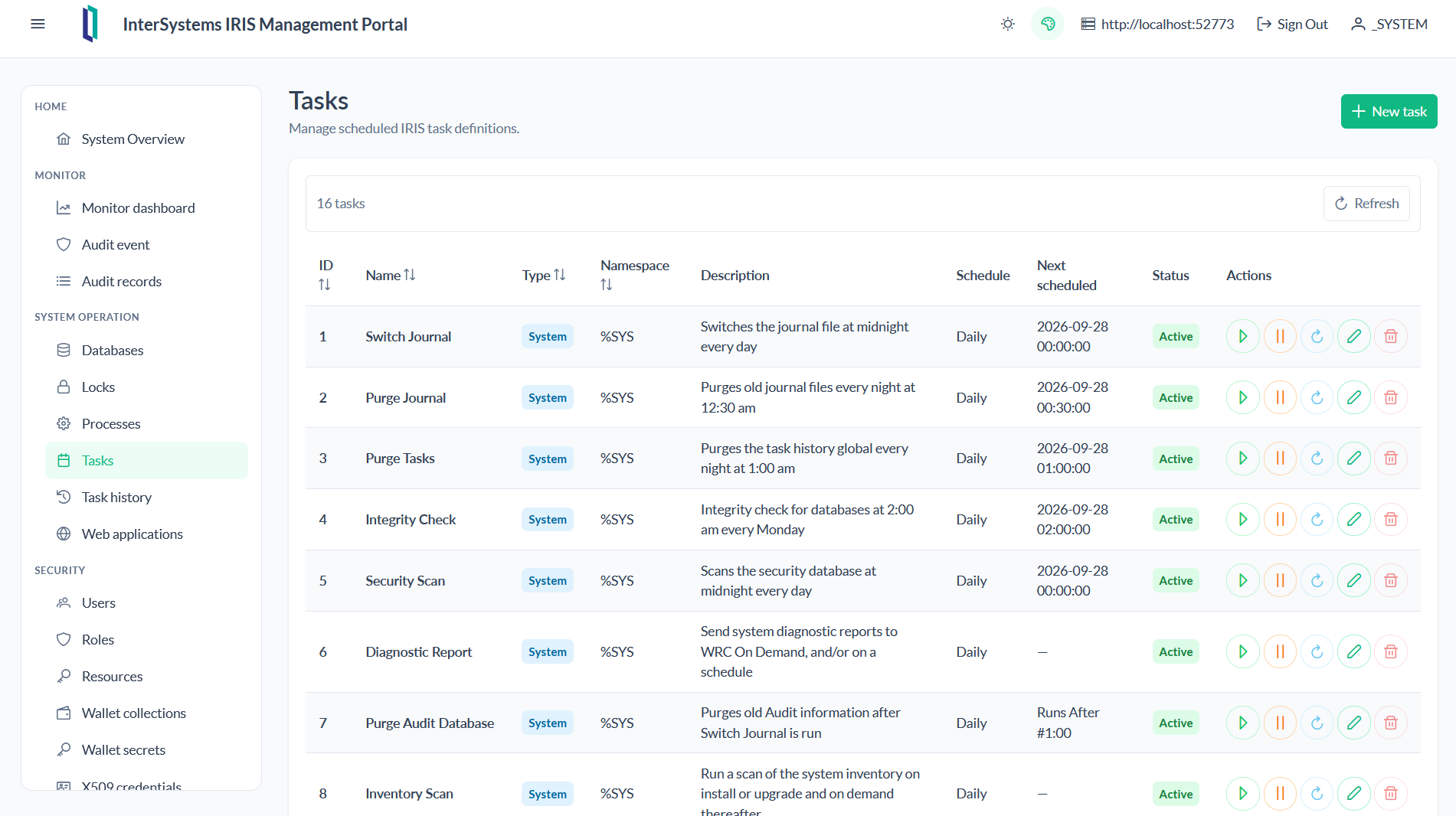
The application provides an Angular interface with tables, filters, CRUD forms, deletion confirmations, task controls, and operational, security, wallet, and OAuth2 views.
Getting Started
Start the environment:
docker compose up -d --build
Open:
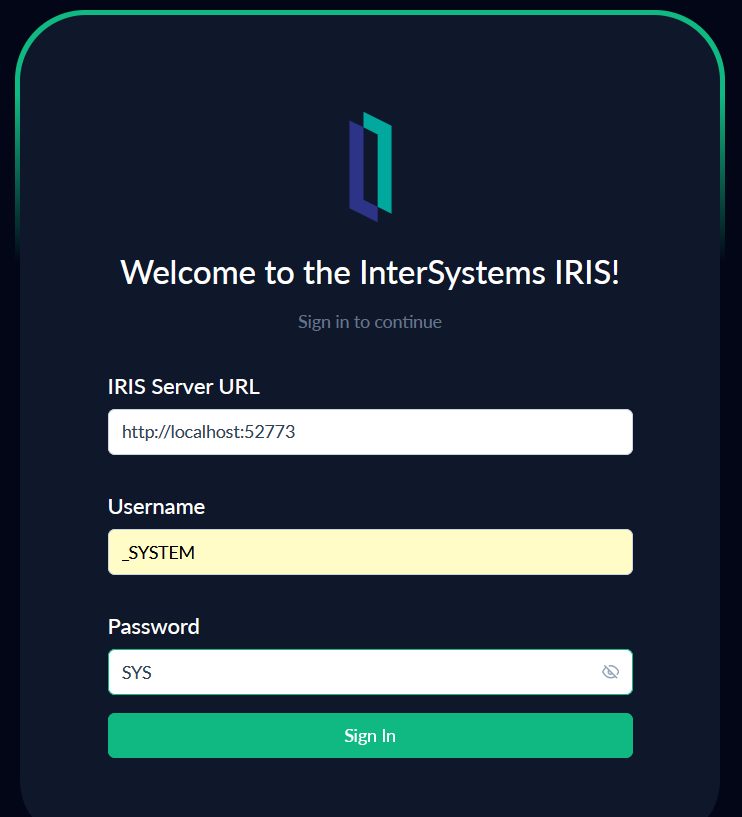
http://localhost:8080
Follow these instructions and press sign in
Features
Each feature has a dedicated screen accessible from the side menu:
| Feature | Route | Main capabilities |
|---|---|---|
| System overview | / |
Product, API version, user, namespaces, and privileges |
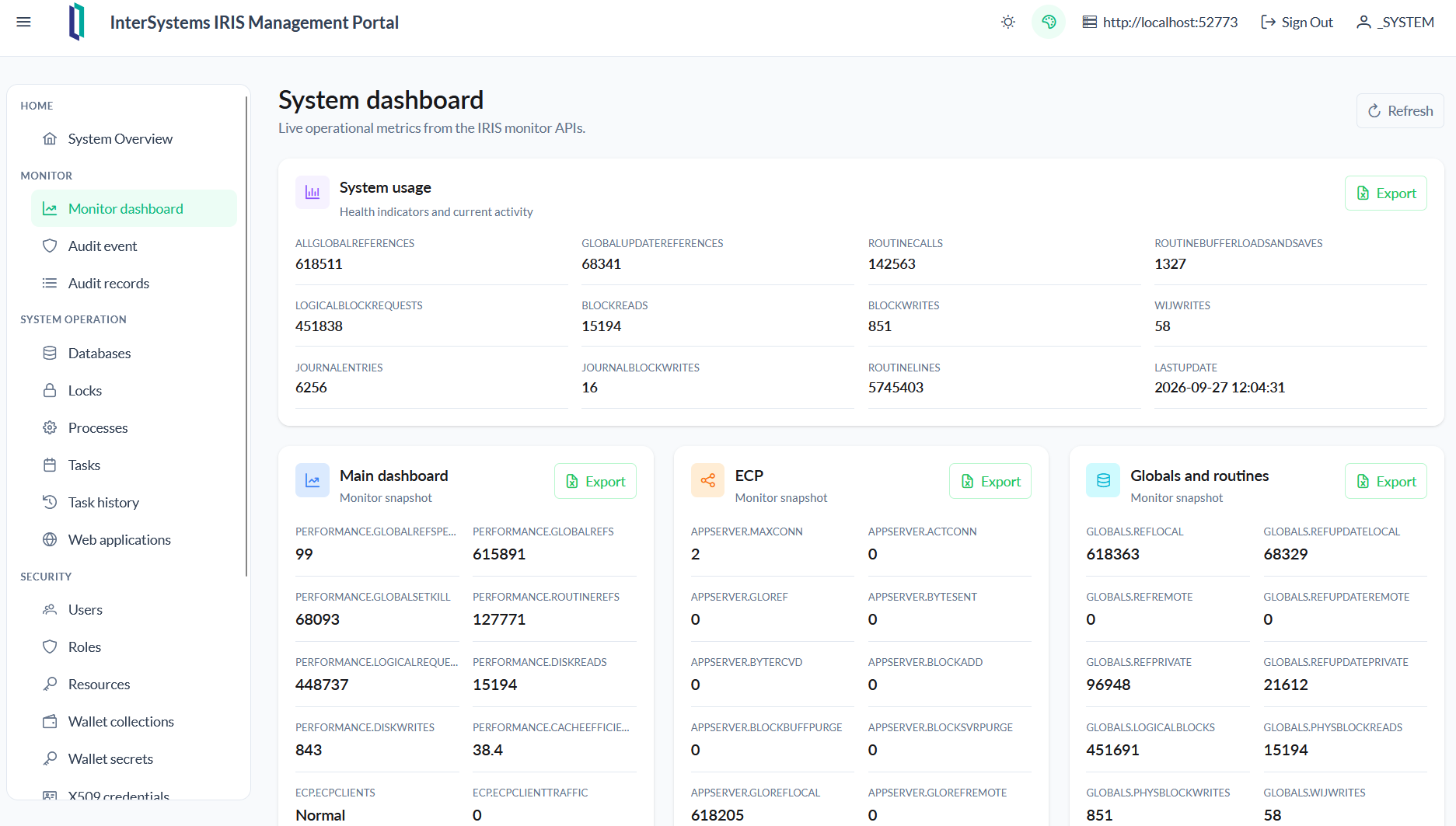
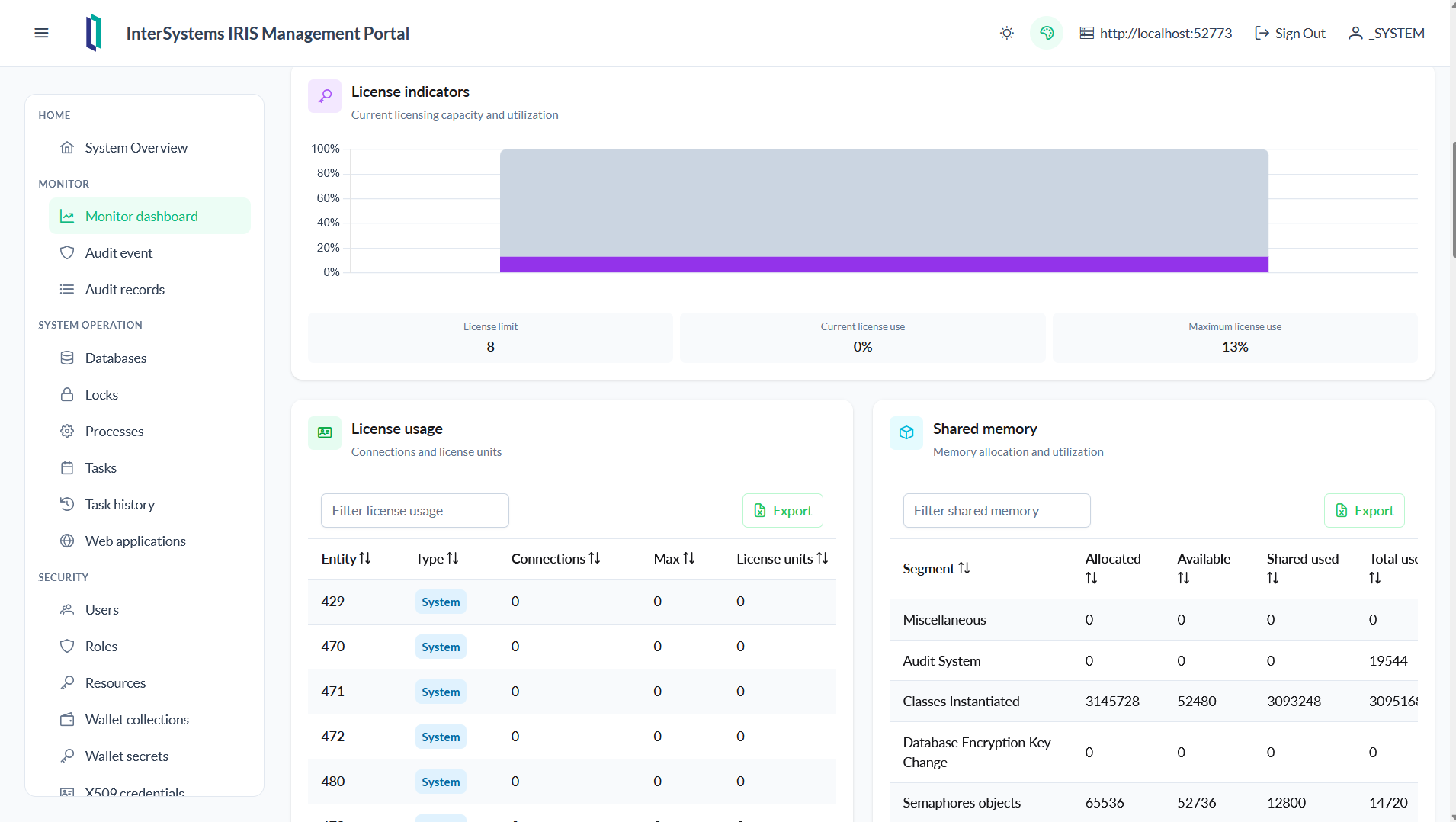
| Monitor dashboard | /monitor-dashboard |
System metrics, licenses, memory, and resources |
| Databases | /databases |
Database inspection and management |
| Audit event | /audit-event |
Audit event configuration |
| Audit records | /audit-records |
Audit record inspection and export |
| Users | /users |
User CRUD, roles, and expiration settings |
| Roles | /roles |
Role CRUD and permissions |
| Resources | /resources |
Security resource CRUD |
| Tasks | /tasks |
Task CRUD, execution, suspension, and resumption |
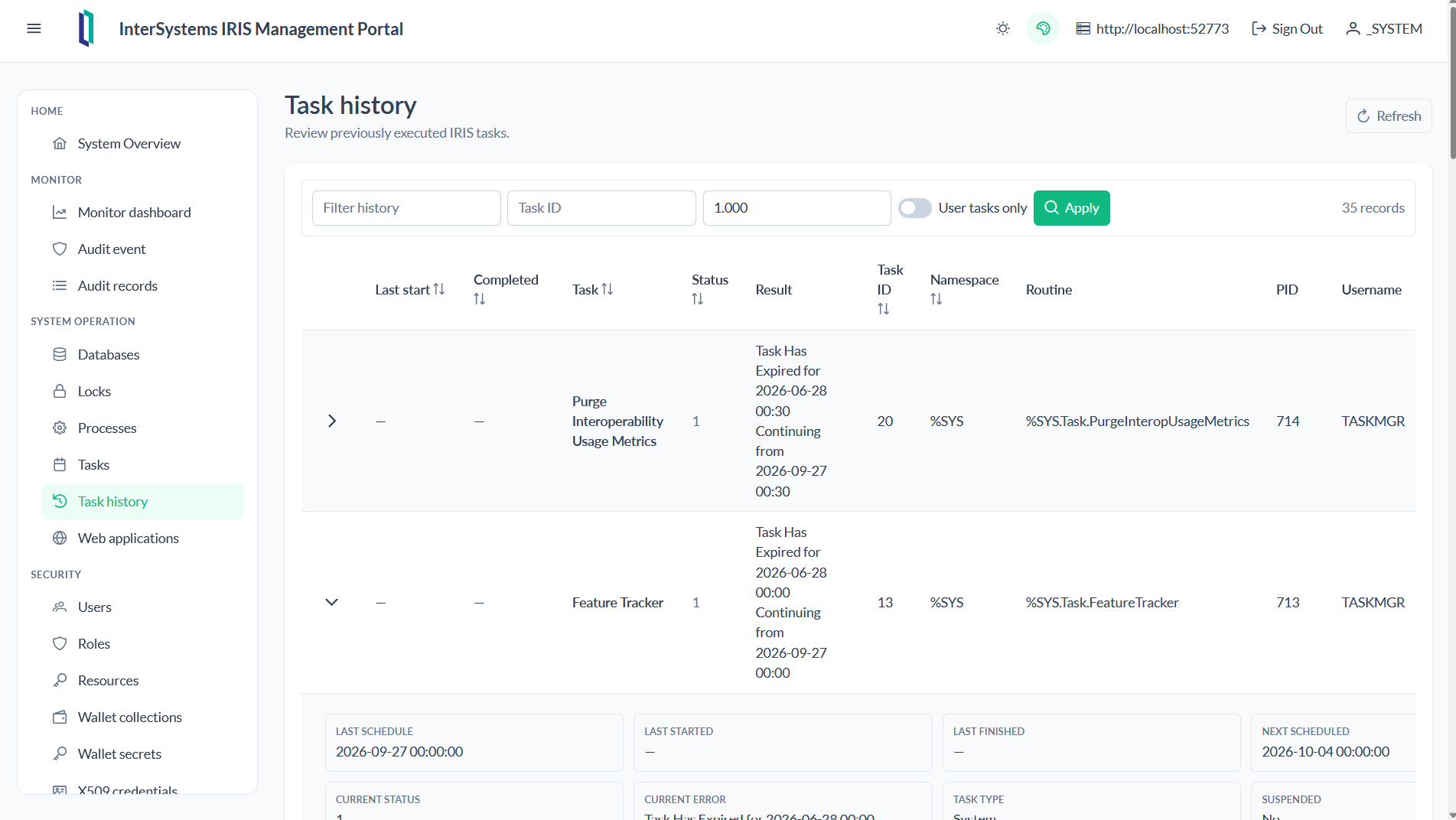
| Task history | /task-history |
Filterable history with /v2/task/info row expansion |
| Wallet collections | /wallet-collections |
Wallet collection CRUD |
| Wallet secrets | /wallet-secrets |
Secret CRUD by collection |
| X509 credentials | /x509-credentials |
Credential, certificate, and key CRUD |
| OAuth2 server definitions | /oauth2-server-definitions |
Authorization server definition CRUD |
| OAuth2 resource servers | /oauth2-resource-servers |
Token validation, JWT, OIDC, and introspection CRUD |
| OAuth2 server clients | /oauth2-server-clients |
Client, redirect, scope, and metadata CRUD |
| Web applications | /web-apps |
CSP/REST application CRUD and class access rules |
Application in the action
- System overview
- Monitor Dashboard
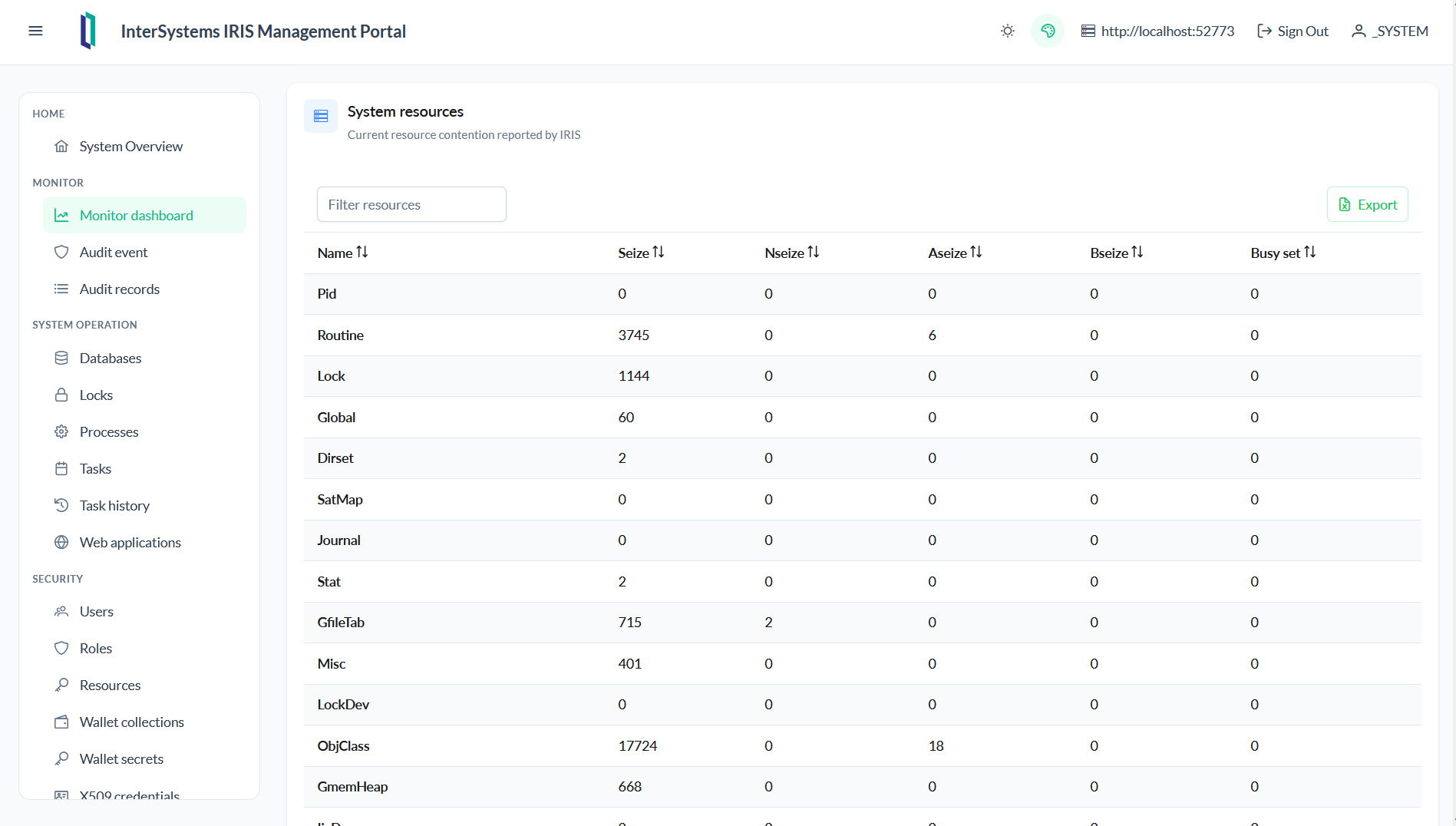
- Audit event
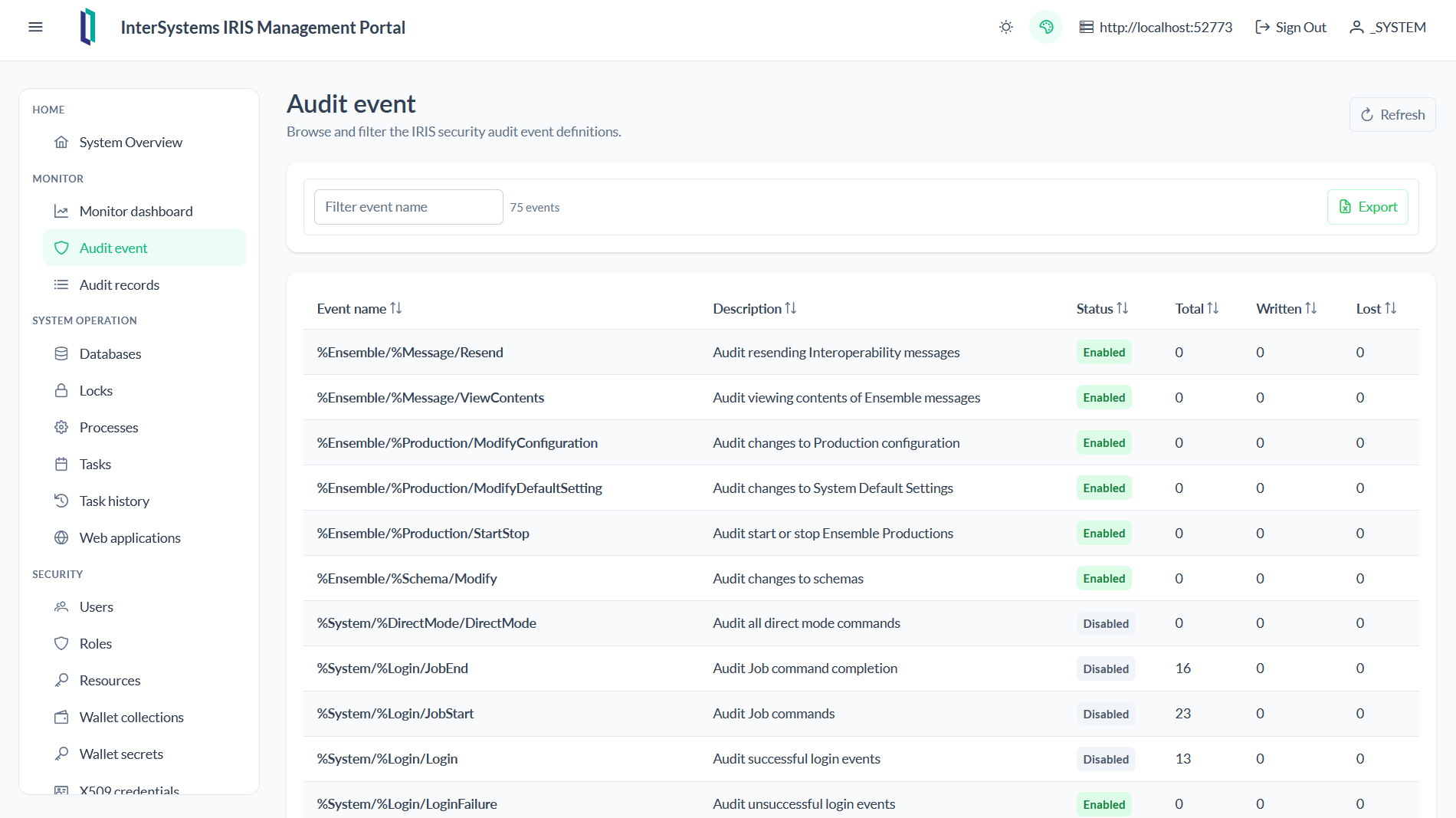
- Audit records
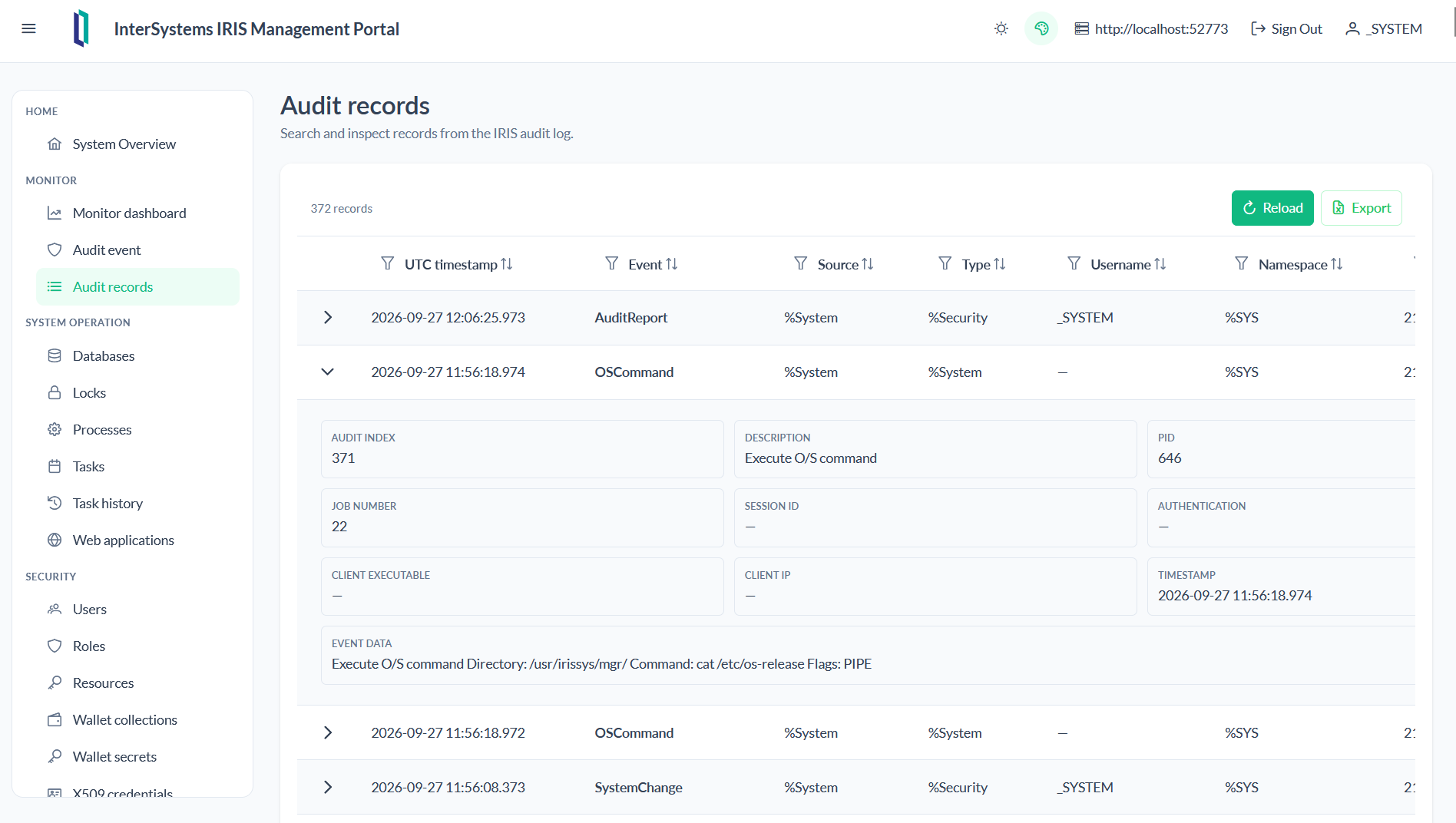
- Databases
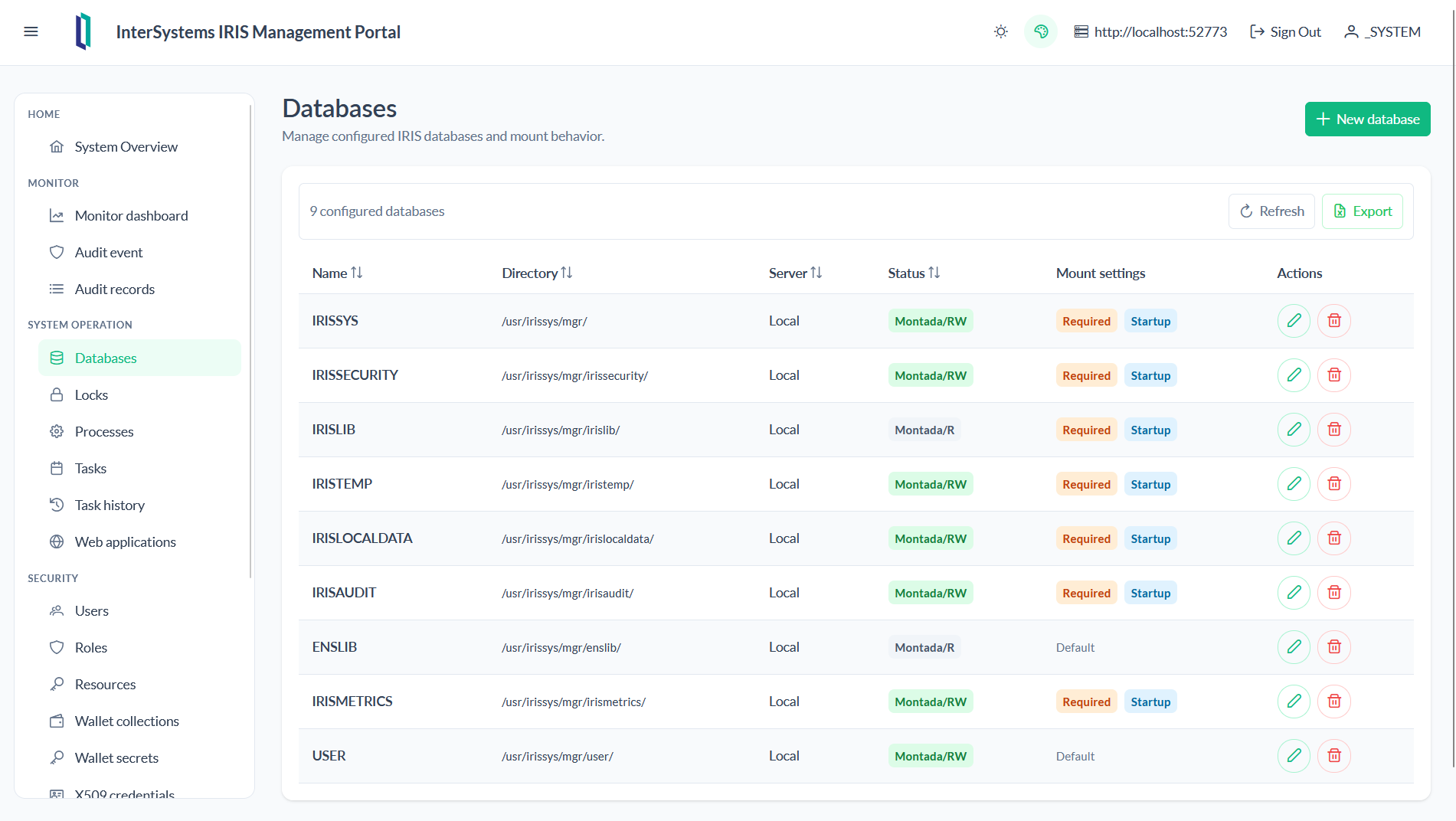
- Locks
- Processes
- Tasks
- Task History
- Web Applications
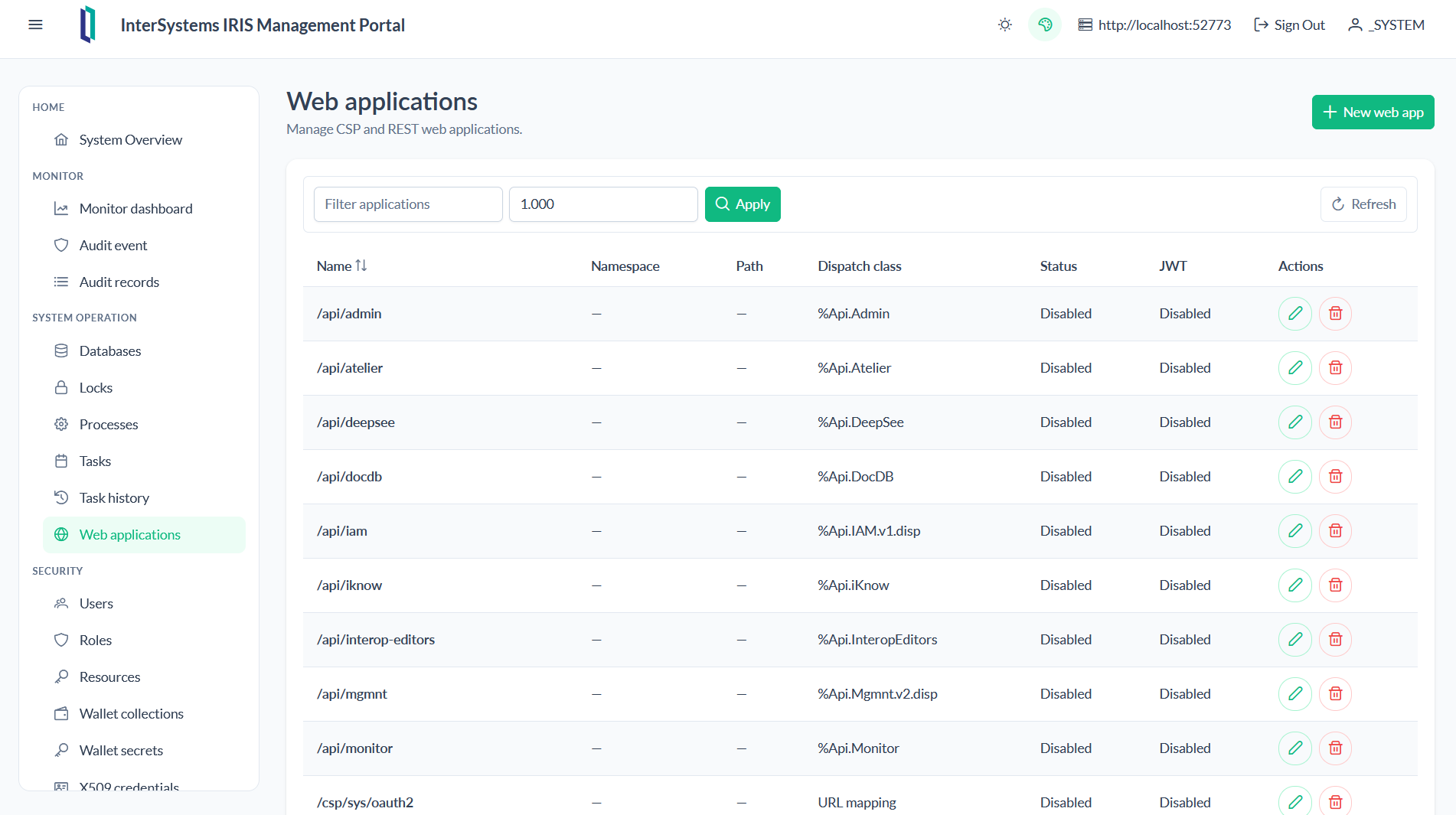
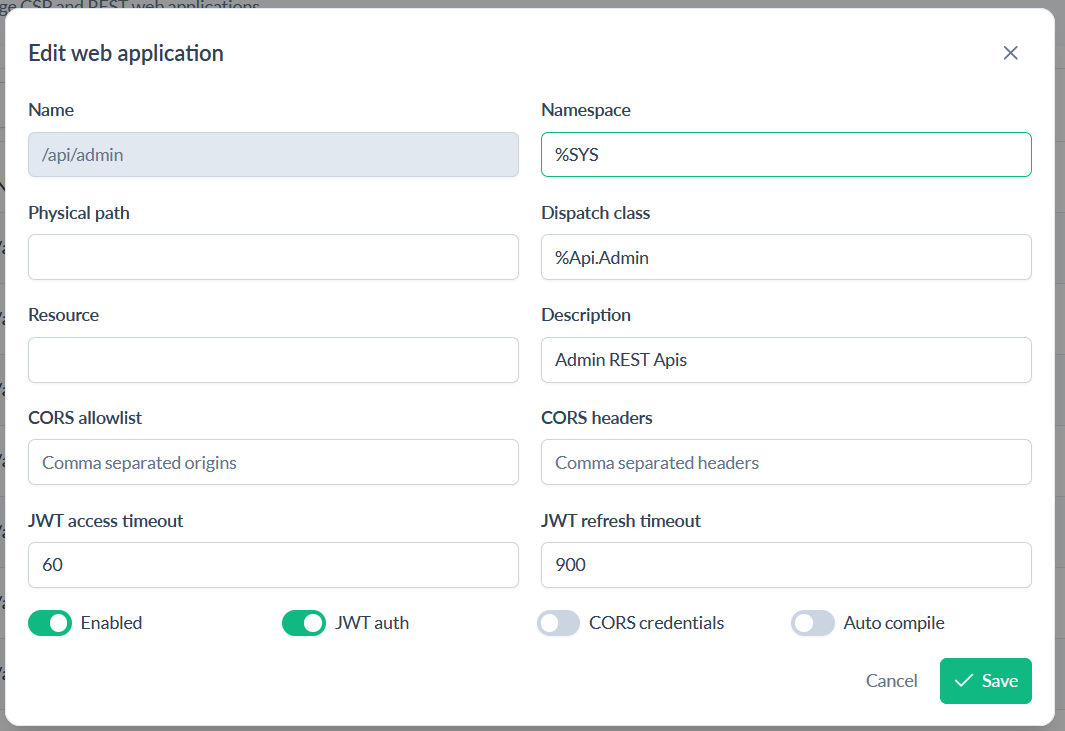
- Users
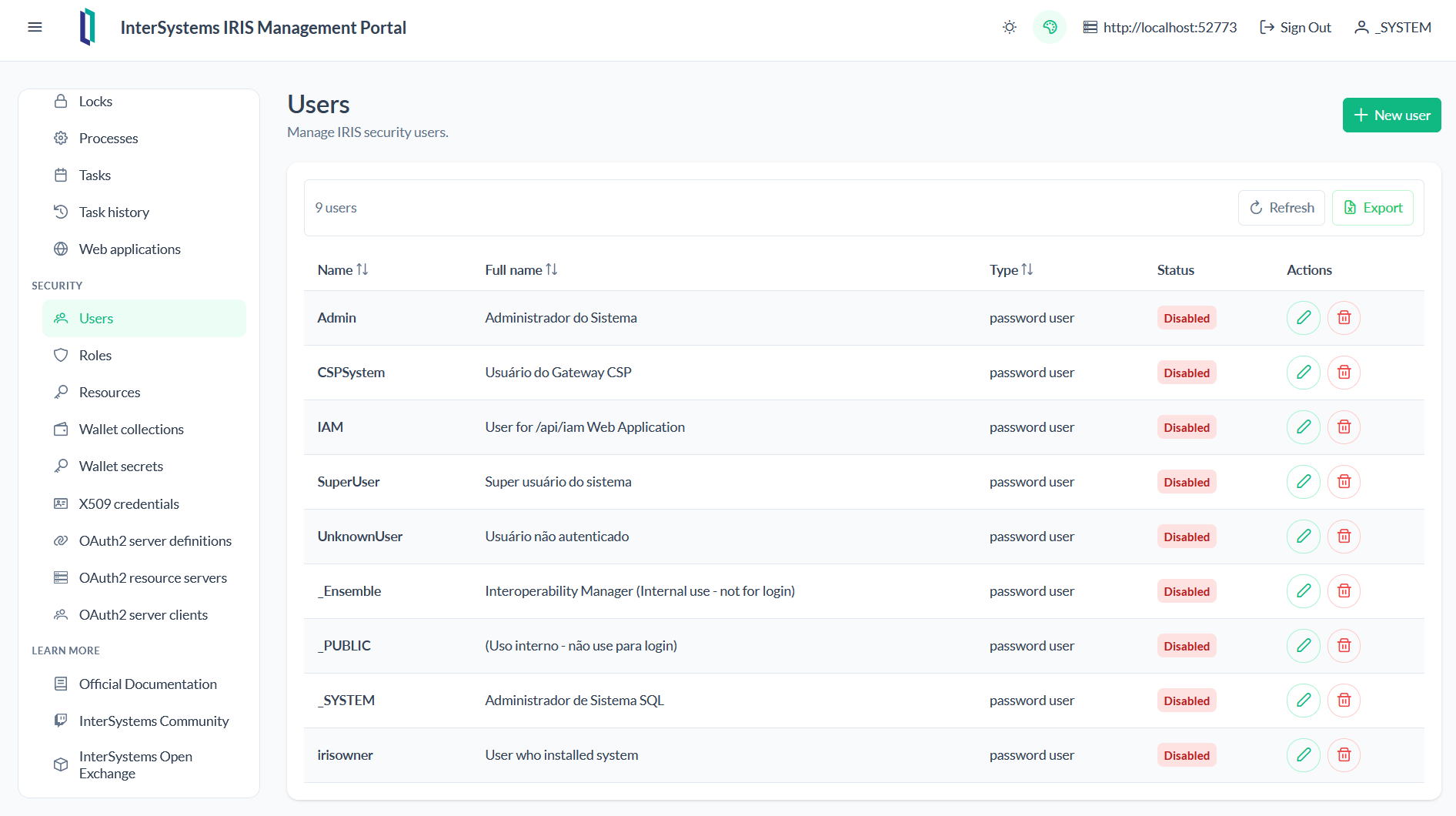
-
Roles
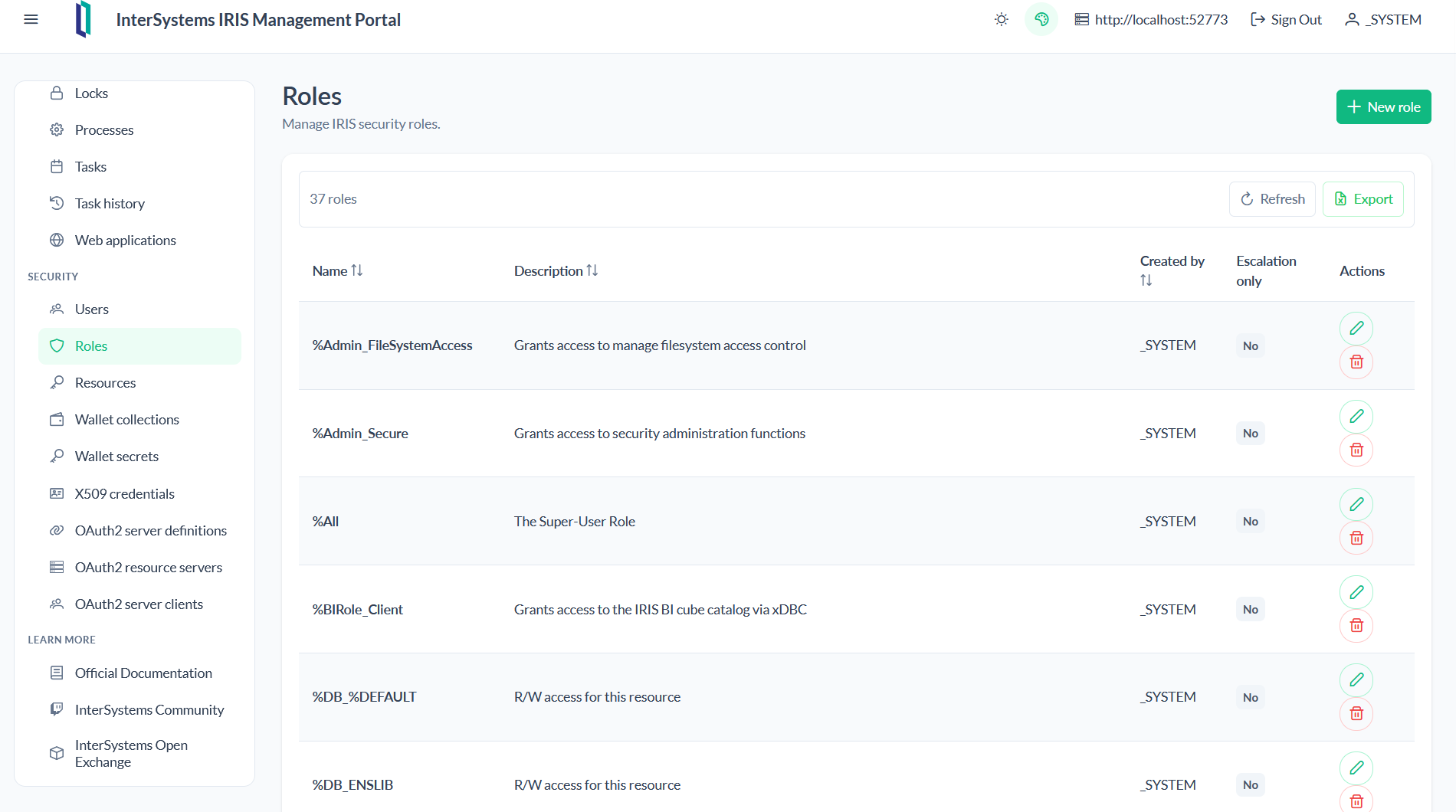
-
Resources
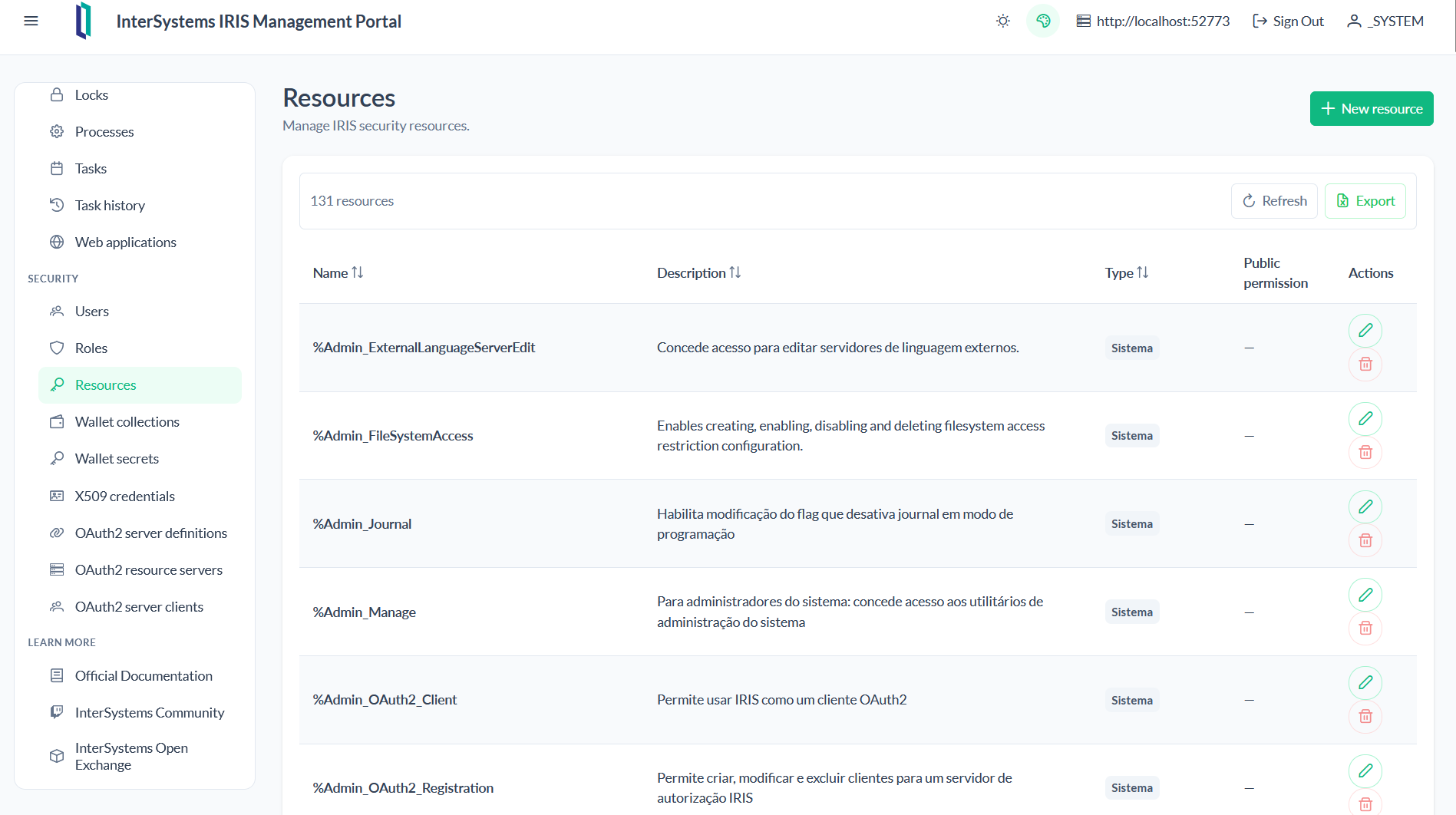
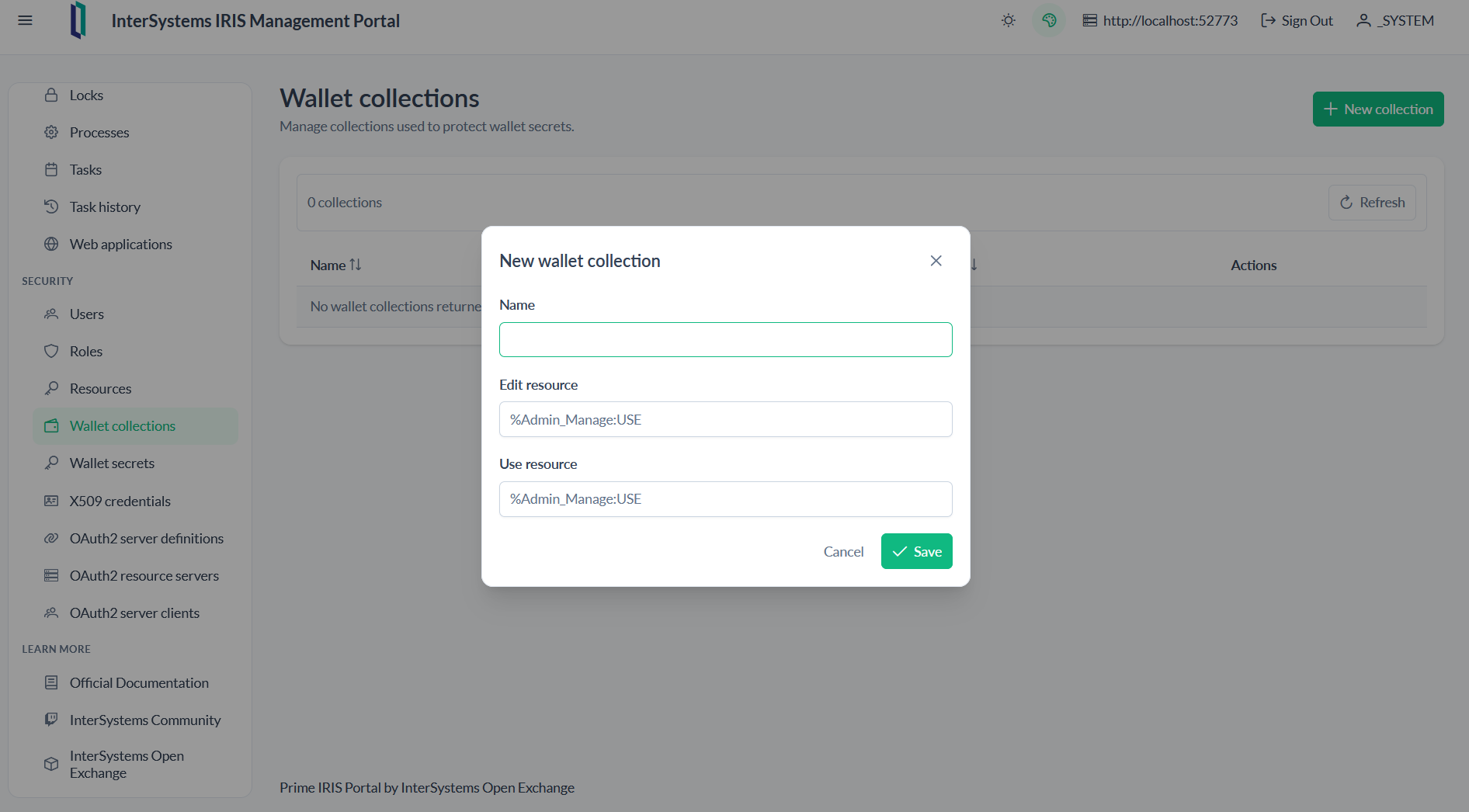
- Wallets
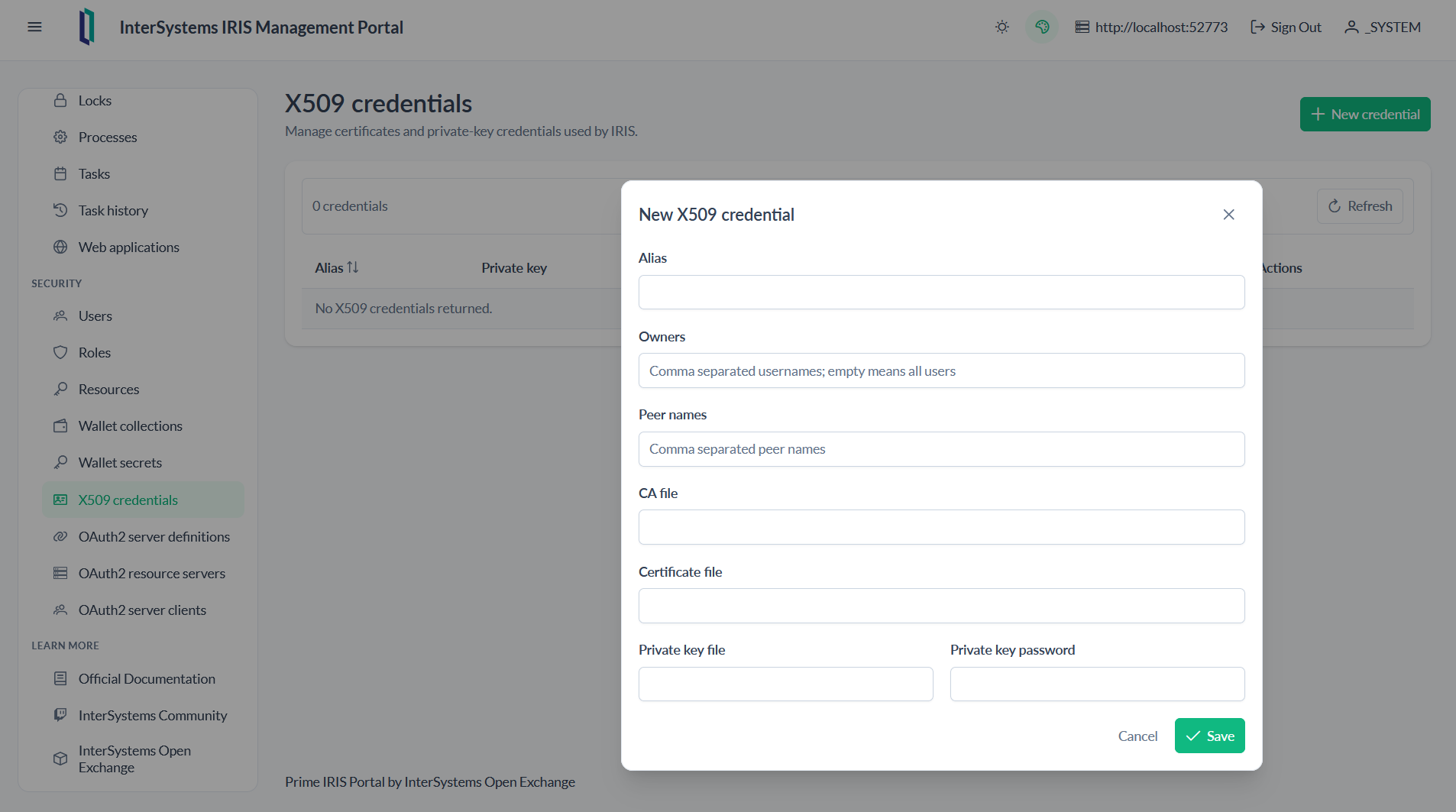
- X509 Credentials
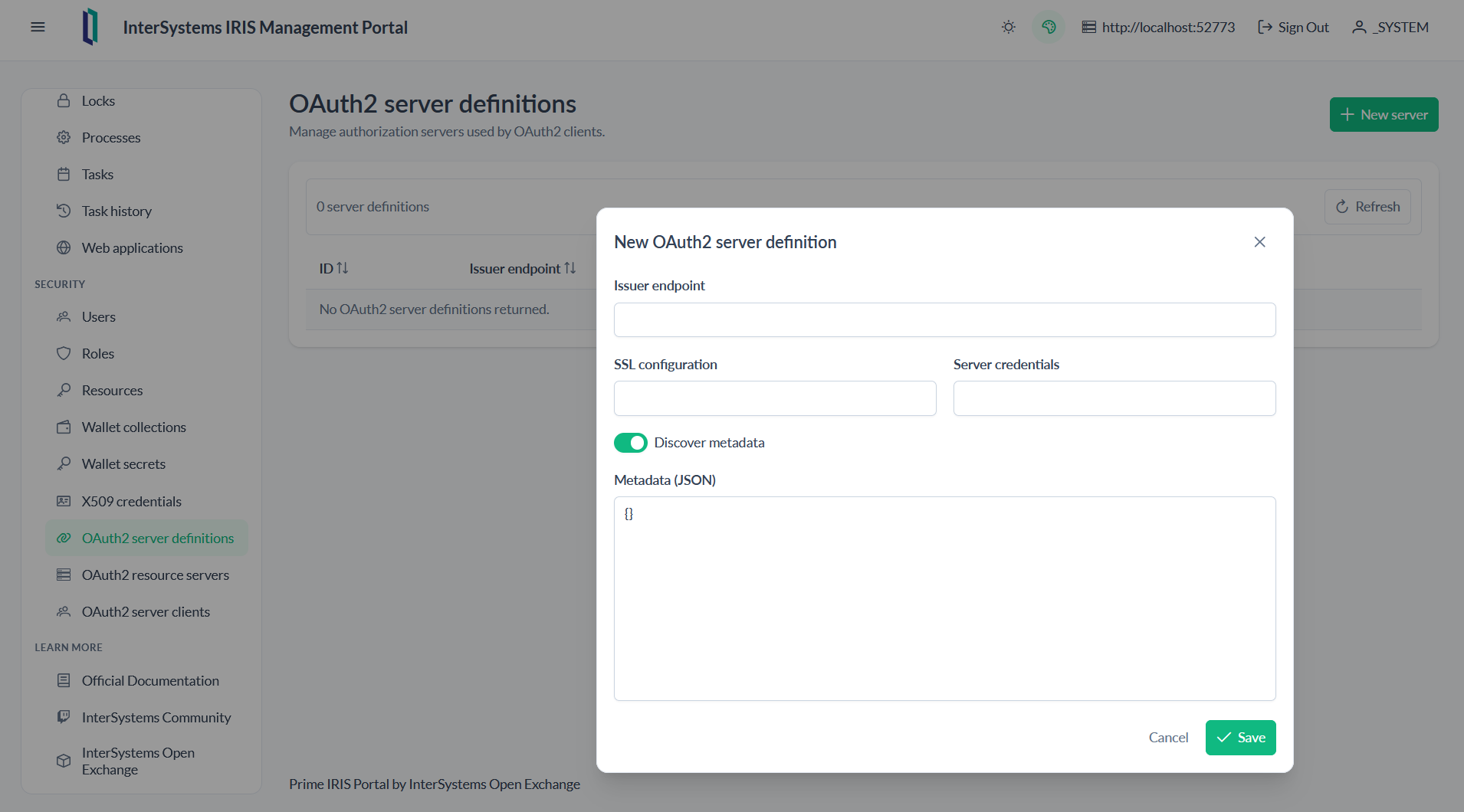
- OAuth Management
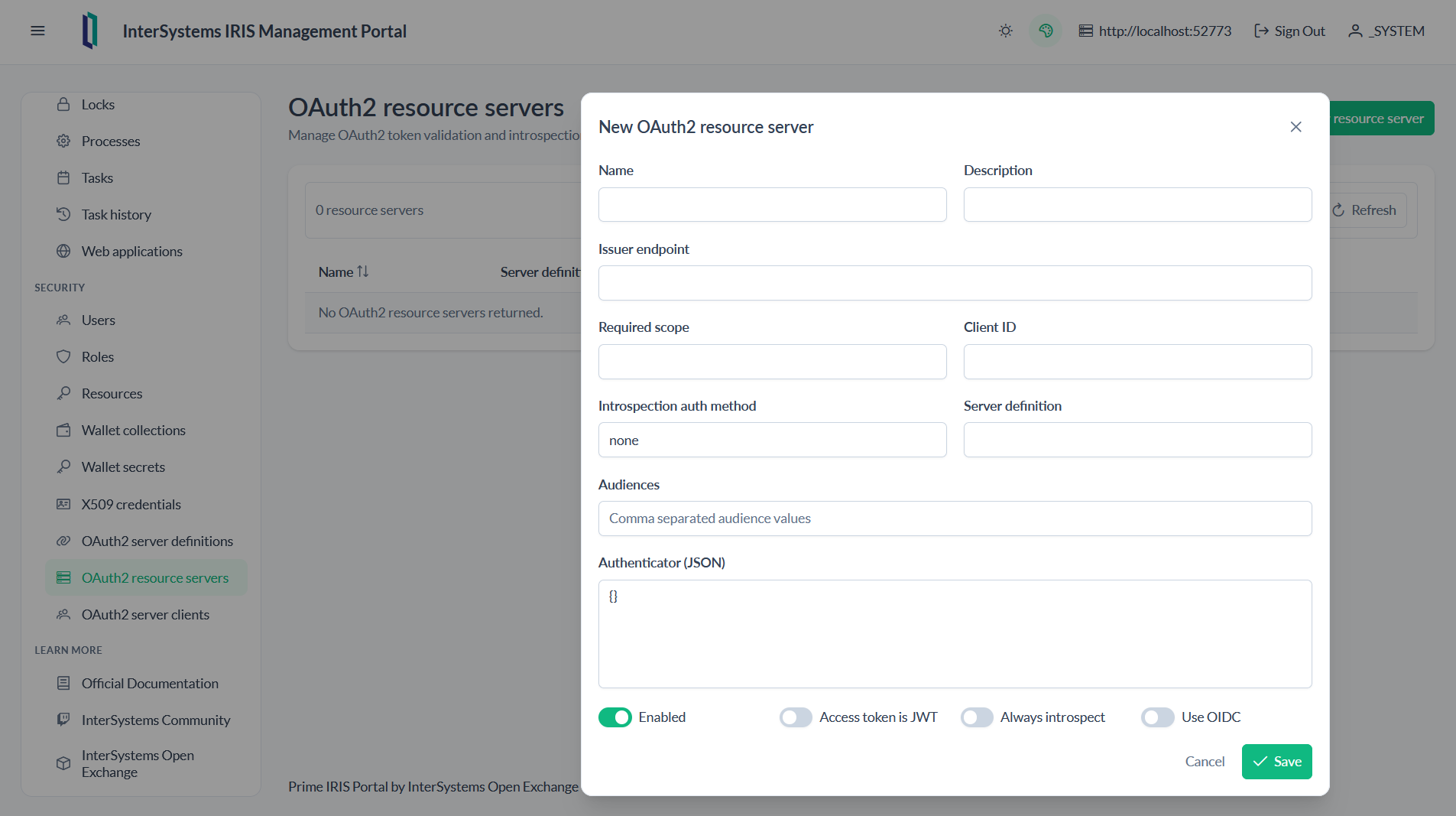
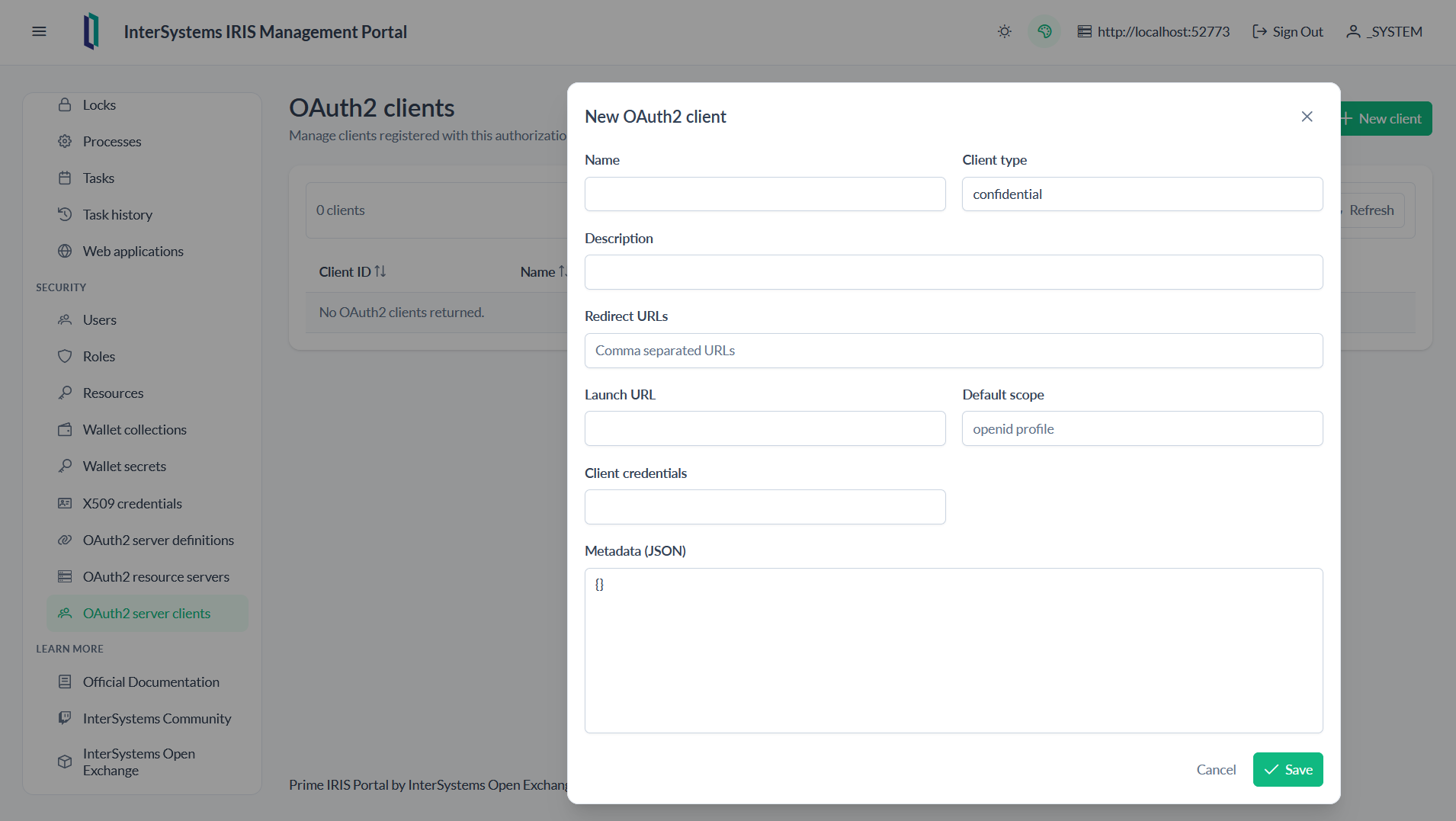
-
Links to the Learn More
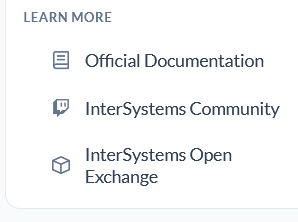
-
Light or Dark Theme
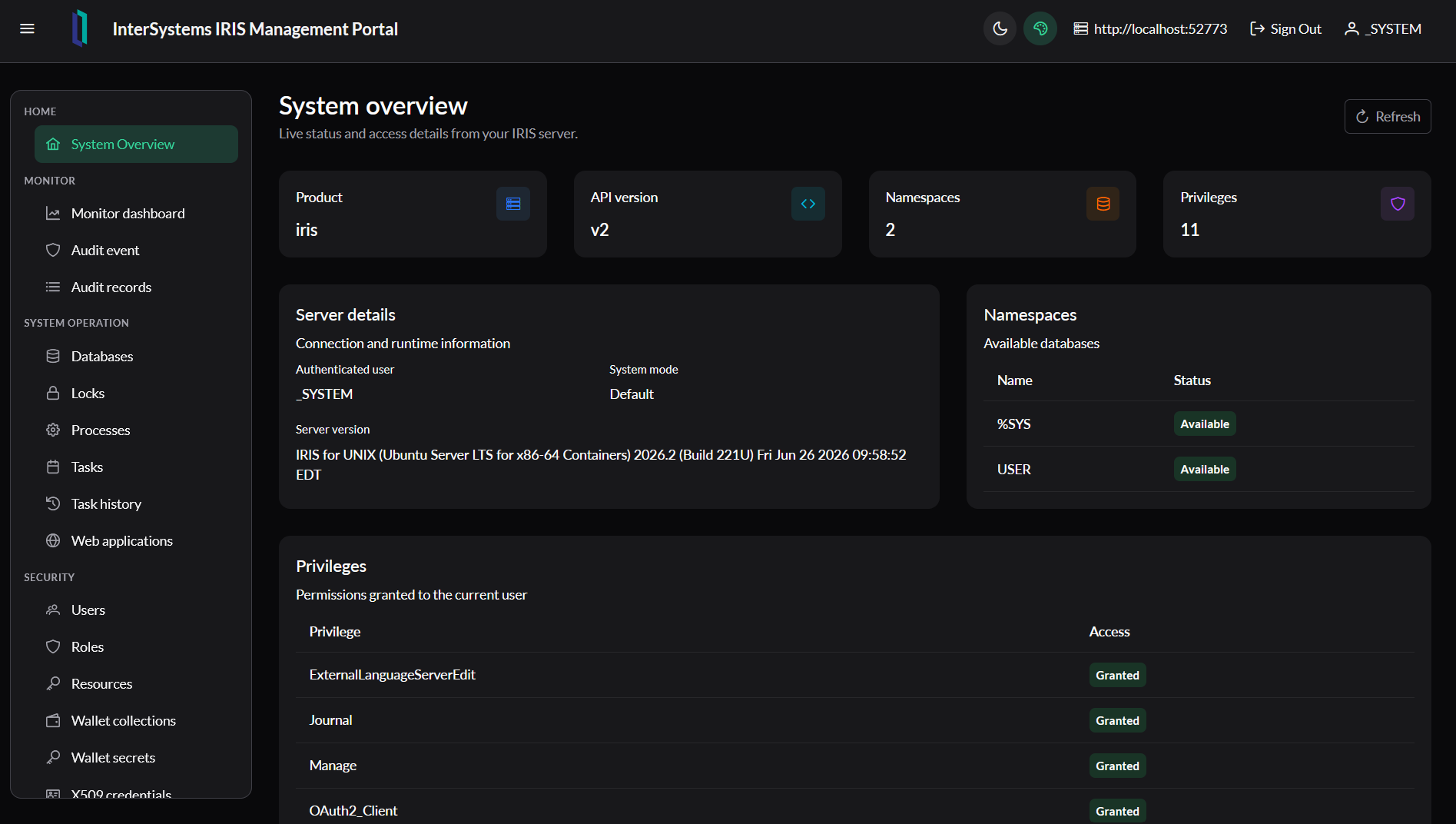
Requirements
- Node.js 22 or later
- npm
- Docker Desktop, if you want to run the complete containerized environment
- An InterSystems IRIS server accessible through the administrative API
Local development
Install dependencies:
npm install
Start the development server:
npm start
Open http://localhost:4200.
During development, Angular uses https://github.com/yurimarx/prime-iris-portal/blob/main/proxy.conf.json to forward /api to http://localhost:52773.
To use another IRIS server, update the proxy target or enter the server URL on the login screen.
Build
npm run build
Compiled files are generated in dist/sakai-ng/browser.
Docker Compose
The Compose stack starts:
portal: Angular application served by Nginx on port8080iris-community: InterSystems IRIS Community 2026.2 on ports1972and52773
Start the environment:
docker compose up -d --build
Open:
http://localhost:8080
Nginx forwards /api requests to http://iris-community:52773 without exposing the internal Docker hostname to the browser.
To use an external IRIS server:
IRIS_URL=http://iris-server:52773 docker compose up -d --build
IRIS Community initialization
The Compose service starts the InterSystems IRIS Community 2026.2 image and runs this post-start command:
iris session iris -U%SYS '##class(Security.Users).UnExpireUserPasswords("*")'
This removes password expiration for all IRIS users after the instance starts, which is useful for local development and demonstrations.
For real environments, configure secure credentials according to your deployment policy and do not use development credentials.
API and authentication
The screens consume administrative endpoints under:
/api/admin/v2
Login obtains JWT tokens through /api/admin/login. The access token is sent with requests, and the refresh token is used automatically when applicable.
Main structure
src/app/core/api/       HTTP client, authentication, and SysAdmin services
src/app/layout/         Layout, topbar, sidebar, and menu
src/app/pages/          Portal feature screens
public/favicon.ico      Application icon
docker/                  Nginx configuration
Useful commands
npm start               # development
npm run build           # production build
npm test                # Angular tests
docker compose config   # validate Compose
docker compose logs -f  # follow logs
docker compose down     # stop the environment
Made with
Version
1.0.027 Sep, 2026
Category
Technology ExampleWorks with
InterSystems IRISInterSystems IRIS for HealthFirst published
27 Sep, 2026Last edited
27 Sep, 2026