
© 2026 InterSystems Corporation. All rights reserved.Privacy & TermsGuaranteeSection 508Contest Terms

iris-queue-manager 

Community Project
This project is maintained by its author and is not officially supported by InterSystems. For technical support, please contact the project developer.
This project is maintained by its author and is not officially supported by InterSystems. For technical support, please contact the project developer.
5
1 reviews
0
Awards
252
Views
0
IPM installs
 0
0 Add to bundle
Details
Releases (1)
Reviews (1)
Issues
Articles (1)
A robust, process-based queue manager designed for asynchronous
What's new in this version
Initial Release
%ZQueue Management System
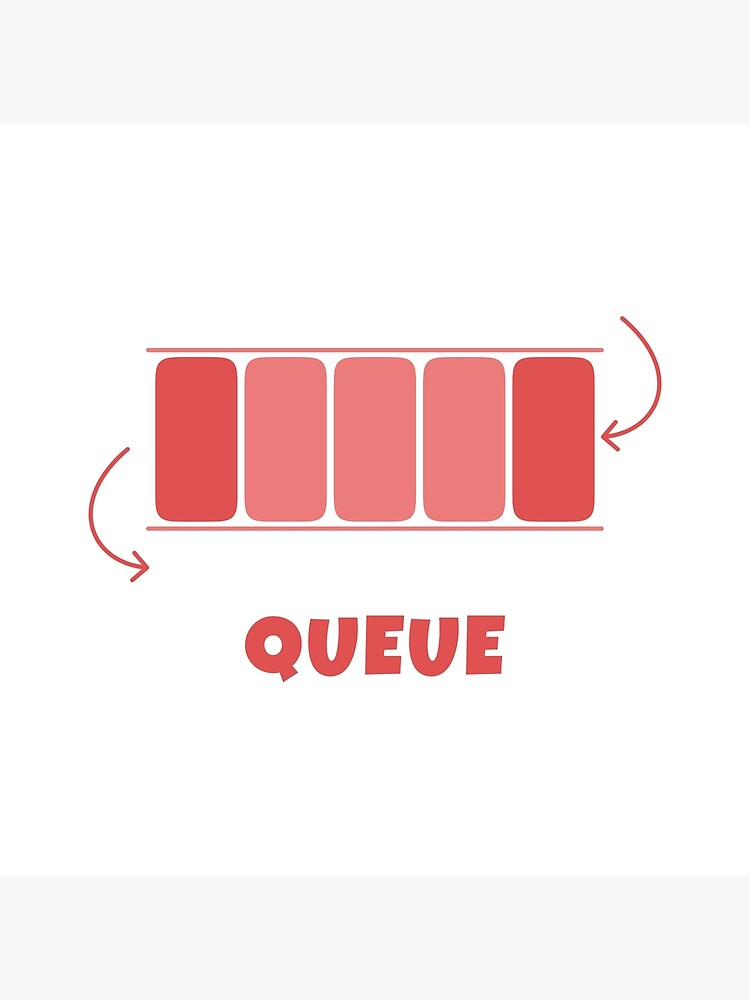
A robust, process-based queue manager designed for asynchronous task execution. This system ensures high availability by decoupling task submission from processing.
🚀 Overview
The system utilizes a producer-consumer architecture to manage background jobs. It is designed to handle high-volume entries with built-in persistence, ensuring that no data is lost even if the process is interrupted.
Here’s the corrected version with clearer wording and formatting:
Note:
- Click the Start Queue button in the Angular application.
- Ensure Docker is running and connect to InterSystems IRIS.
- Start an IRIS session:
iris session iris
- Once connected (and Docker is up), start the queue:
Write ##class(%ZQueue.Manager).Start()
Key Features
- Persistence: Data survives system or process restarts.
- Traceability: Every job is linked to a specific Process ID for monitoring.
- Efficiency: Offloads heavy tasks to keep the main application responsive.
🛠 Usage
Use the following methods to control the lifecycle of the queue background process.
⚙️ Installation
Clone the Repository
git clone https://github.com/AshokThangavel/iris-queue-manager.git
cd iris-queue-manager
Running the Application with Docker
Build and start the app using Docker Compose:
docker-compose up --build
Stopping the Application
To stop and remove the running containers:
docker-compose down
In your README.md, the “Usage” section explains how a developer actually interacts with the project once the Docker containers are running.
Here is a clear breakdown you can use to explain these two endpoints:
🖥️ Usage & Access Points
Once the project is started, you can access the different layers of the application via these URLs:
1. Frontend Interface (Angular)
- URL: http://localhost:8080
- What it is: This is the user-facing dashboard.
2. Backend Management (InterSystems IRIS)
- URL: http://localhost:52773/csp/sys/UtilHome.csp
- What it is: The Management Portal for the InterSystems IRIS database.
Start the Queue
To initiate the background worker and begin processing entries, run:
Write ##class(%ZQueue.Manager).Start()
- Output: This returns the Process ID (PID) of the newly created background job.
- Behavior: Once started, the manager will immediately begin processing any pending entries in the queue.
Check Queue is running
Write ##class(%ZQueue.Manager).IsQueueRunning()
Stop the Queue
To gracefully shut down the background worker, run:
Write ##class(%ZQueue.Manager).Stop()
- Behavior: This command stops the active queue process.
- Important Note: Stopping the process does not delete the entries in the queue.
- Resuming: Once you call the
.Start()method again, the manager will resume processing the existing entries from where it left off.
Here’s the corrected and polished version:
📊 Screen Workflow Logic
- New Task: The task is validated and stored in the queue.
- Active Queue: View the current queue details.
- History: Upon successful execution, the task is marked as complete and moved to History.
- Dead Letter: Upon execution failure, the task is moved to the Dead Letter queue.
Last checked by moderator
21 Feb, 2026, Works
Made with
Version
1.0.020 Feb, 2026
Category
IntegrationWorks with
InterSystems IRIS for HealthInterSystems IRISHealthShareTrakCareFirst published
20 Feb, 2026Last edited
20 Feb, 2026