
© 2026 InterSystems Corporation. All rights reserved.Privacy & TermsGuaranteeSection 508Contest Terms

dc-csharp-example 

Community Project
This project is maintained by its author and is not officially supported by InterSystems. For technical support, please contact the project developer.
This project is maintained by its author and is not officially supported by InterSystems. For technical support, please contact the project developer.
0
0 reviews
0
Awards
76
Views
0
IPM installs
 0
0 Add to bundle
Details
Releases (1)
Reviews
Issues
Articles (1)
Example of using IRIS from C#
What's new in this version
Initial Release
Epoch Photometry Analysis with InterSystems IRIS and C#
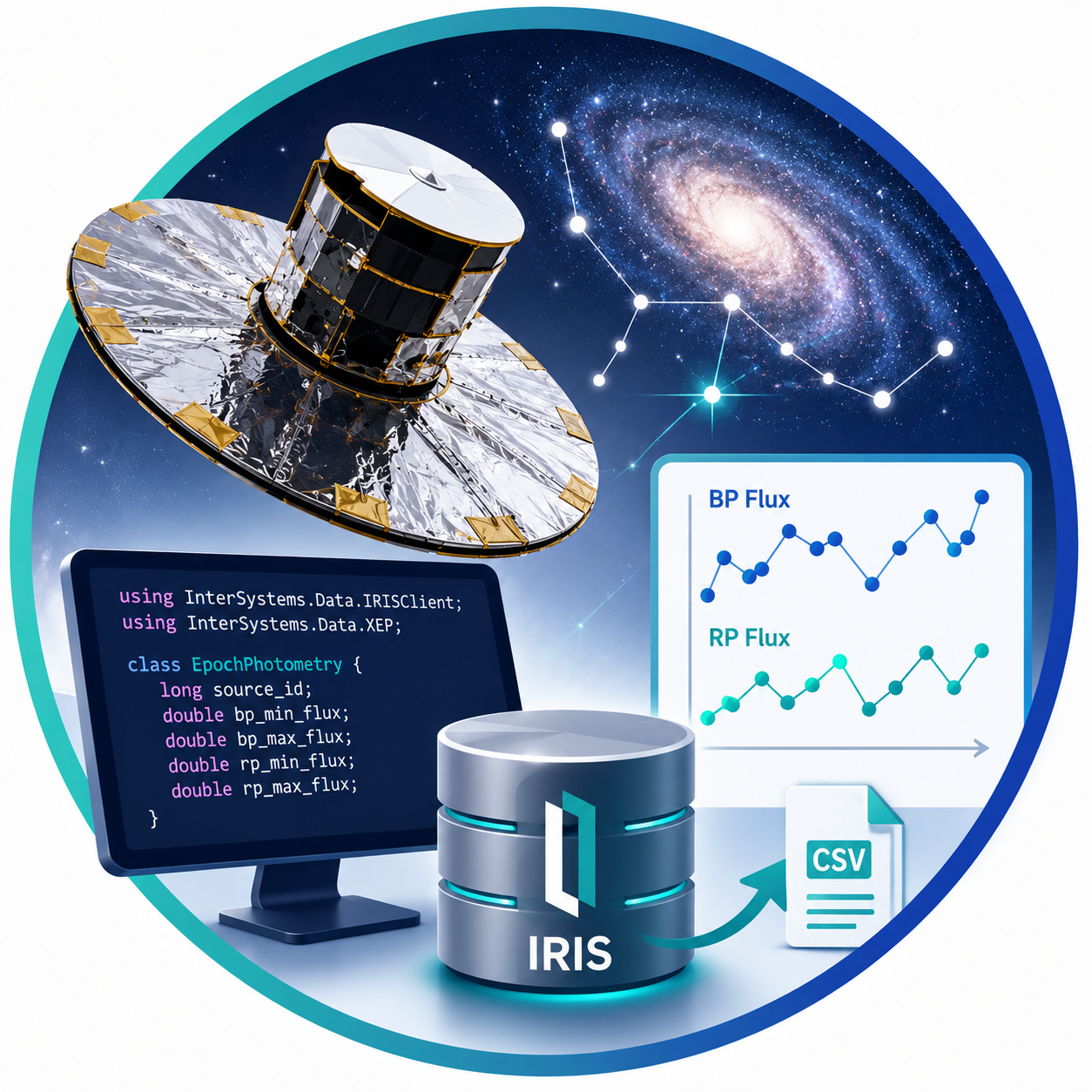
This project demonstrates how to import epoch photometry data from a CSV file into InterSystems IRIS using the C# XEP API, query the stored data through ADO.NET, calculate flux variability metrics, and export the filtered results to a new CSV file.
The source data contains Gaia epoch photometry measurements. For each source, the application processes the bp_flux and rp_flux arrays, calculates their valid minimum and maximum values, and identifies sources whose BP or RP flux changes by more than 100%.
What the application does
The application performs four main steps:
-
Defines an XEP event class containing:
source_idbp_min_fluxbp_max_fluxrp_min_fluxrp_max_flux
-
Reads the input CSV file and creates one XEP object for each row.
-
Uses ADO.NET to calculate percentage changes in BP and RP flux and select rows where the larger change is greater than 100%.
-
Writes the query result to a new CSV file.
Technology stack
- InterSystems IRIS
- InterSystems XEP for .NET
- InterSystems ADO.NET Managed Provider
- C# and .NET
- CsvHelper
Project structure
.
├── data\in\EpochPhotometry.csv
├── src\CSharp\EpochPhotometry.cs
├── src\CSharp\Program.cs
├── src\CSharp\CSharp.csproj
└── README.md
EpochPhotometry.cs
Defines the .NET event class imported into InterSystems IRIS by XEP. The resulting persistent IRIS class is:
Gaia.EpochPhotometry
The class stores the original flux arrays together with their calculated minimum and maximum values.
Program.cs
Contains the complete processing workflow:
- CSV parsing
- invalid-value filtering
- XEP schema import
- batched XEP object storage
- ADO.NET query execution
- CSV export
Input data
The input file must contain at least these columns:
| Column | Description |
|---|---|
source_id |
Unique identifier of the astronomical source |
bp_flux |
Array of BP photometric flux measurements |
rp_flux |
Array of RP photometric flux measurements |
The supplied EpochPhotometry.csv file contains additional Gaia photometry columns. The application ignores columns that are not required by this example.
Array values are expected in a format similar to:
[7922.41,7754.46,NaN,8083.01,65199.26]
The parser ignores invalid elements, including:
- empty values
nullnoneNaN- positive or negative infinity
- values that cannot be parsed as numbers
If an array contains no valid numeric values, its calculated minimum and maximum fields are stored as NULL.
Calculated fields
For each input row, the following stored fields are calculated before the object is written to IRIS:
bp_min_flux = minimum valid value in bp_flux
bp_max_flux = maximum valid value in bp_flux
rp_min_flux = minimum valid value in rp_flux
rp_max_flux = maximum valid value in rp_flux
Only finite numeric values participate in these calculations.
Percentage-change calculation
The SQL query calculates:
percentage_change_bp = ((bp_max_flux - bp_min_flux) / bp_min_flux) * 100
percentage_change_rp = ((rp_max_flux - rp_min_flux) / rp_min_flux) * 100
It then calculates the greater of the two values:
max_percentage_change = MAX(percentage_change_bp, percentage_change_rp)
Rows are included in the output only when:
max_percentage_change > 100
A percentage value is returned as NULL when the corresponding minimum or maximum is missing, or when the minimum value is zero.
Prerequisites
Before running the project, install:
- InterSystems IRIS with an accessible namespace
- .NET SDK compatible with the InterSystems .NET assemblies
- CsvHelper
The IRIS SuperServer port must be reachable from the machine running the application. The default port in the example is 1972.
Install assemblies
From the project directory, run:
dotnet add package CsvHelper
dotnet add package InterSystems.Data.IRISClient
dotnet add package InterSystems.Data.XEP
Example project references:
Configure the IRIS connection
The application reads its connection settings from environment variables.
| Variable | Default value | Description |
|---|---|---|
IRIS_HOST |
localhost |
IRIS server hostname |
IRIS_PORT |
1972 |
IRIS SuperServer port |
IRIS_NAMESPACE |
USER |
Target IRIS namespace |
IRIS_USERNAME |
_SYSTEM |
IRIS username |
IRIS_PASSWORD |
SYS |
IRIS password |
For example, in PowerShell:
$env:IRIS_HOST = "localhost"
$env:IRIS_PORT = "1972"
$env:IRIS_NAMESPACE = "USER"
$env:IRIS_USERNAME = "_SYSTEM"
$env:IRIS_PASSWORD = "SYS"
Do not use default credentials in production. Store credentials securely using an appropriate secrets-management mechanism.
Build the project
dotnet build
Run the application
Pass the input and output CSV paths as command-line arguments. On Windows, absolute paths can also be used:
dotnet run -- "D:\GitHub\dc-csharp-example\data\in\EpochPhotometry.csv" "D:\GitHub\dc-csharp-example\data\out\EpochPhotometryChanges.csv"
When paths are omitted, the application uses:
Input:  EpochPhotometry.csv
Output: EpochPhotometryChanges.csv
XEP processing
During startup, the application:
- Connects to InterSystems IRIS through XEP.
- Imports the
Gaia.EpochPhotometryschema when necessary. - Deletes the existing class extent.
- Stores the parsed event objects in batches.
The example uses batches of 5,000 objects to reduce the overhead of individual XEP store operations.
Replacing or appending data
By default, the program calls:
persister.DeleteExtent(XepClassName);
This removes previously stored objects before loading the new CSV file.
Remove that call when subsequent executions should append records instead. If data is appended, consider adding duplicate detection based on source_id or another suitable business key.
SQL output
The ADO.NET query returns these columns:
| Column | Description |
|---|---|
source_id |
Source identifier |
bp_min_flux |
Minimum valid BP flux |
bp_max_flux |
Maximum valid BP flux |
rp_min_flux |
Minimum valid RP flux |
rp_max_flux |
Maximum valid RP flux |
percentage_change_bp |
BP flux percentage change |
percentage_change_rp |
RP flux percentage change |
max_percentage_change |
Greater of the BP and RP changes |
The results are ordered by max_percentage_change in descending order.
Example output header:
source_id,bp_min_flux,bp_max_flux,rp_min_flux,rp_max_flux,percentage_change_bp,percentage_change_rp,max_percentage_change
Error handling
The application reports and handles several common data and configuration problems:
- missing input file
- missing required CSV columns
- invalid
source_idvalues - malformed or invalid array elements
- invalid IRIS port configuration
- XEP connection or storage errors
- ADO.NET query errors
Rows with invalid source_id values are skipped. Invalid individual flux values are ignored without discarding the complete row.
Further reading
Last checked by moderator
20 Jul, 2026, Works
Version
1.0.018 Jul, 2026
Category
Technology ExampleWorks with
InterSystems IRISFirst published
18 Jul, 2026Last edited
18 Jul, 2026